Log an expense against a budget line
Record spending as it happens so burn rate, variance alerts, and audit trails all stay current.
Expenses get coded to a specific budget line item on a specific grant. That lets TideWatch answer three questions instantly: how much is left in this category, what's the overall burn rate, and can I produce audit-ready records for this transaction.
Open the grant's Budget tab
From the grant overview page, click Budget in the tab strip. You'll see the burn-rate chart, budget categories with progress bars, and a Log Expenditure button in the top right.
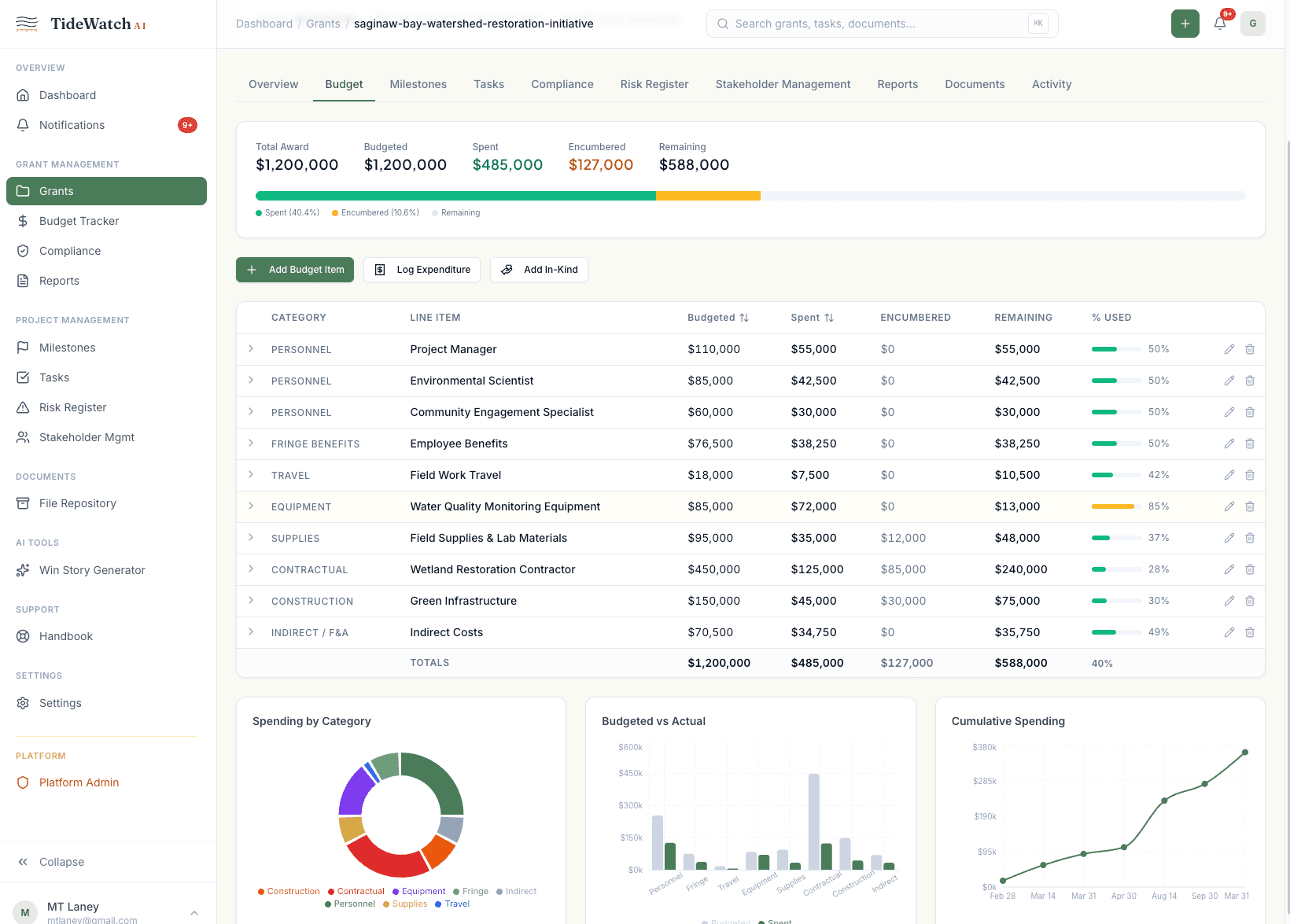
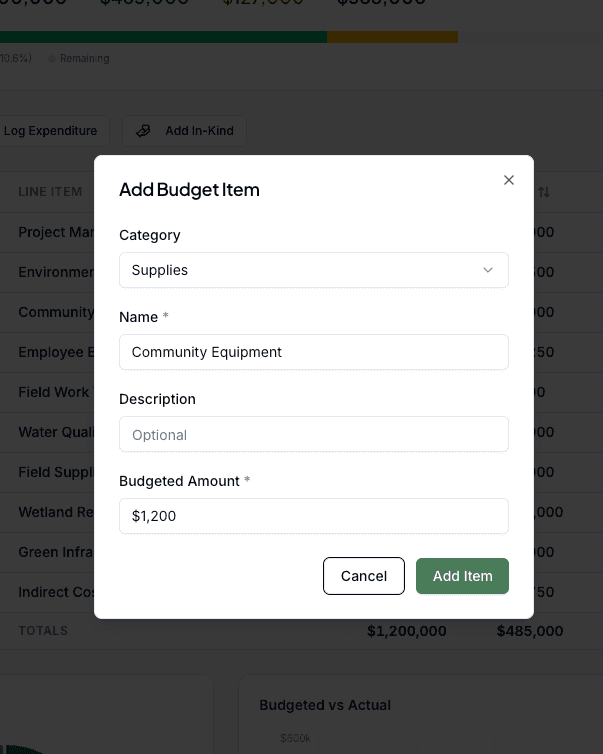
Click Log Expenditure
The dialog opens with a required field for the budget line item this expense belongs to. Pick from the dropdown: every category you set up on the grant is there.
Fill in the transaction details
Enter the amount, date, vendor, and a short description. If you have a receipt or invoice, attach it here. It becomes part of the audit trail for this expense.
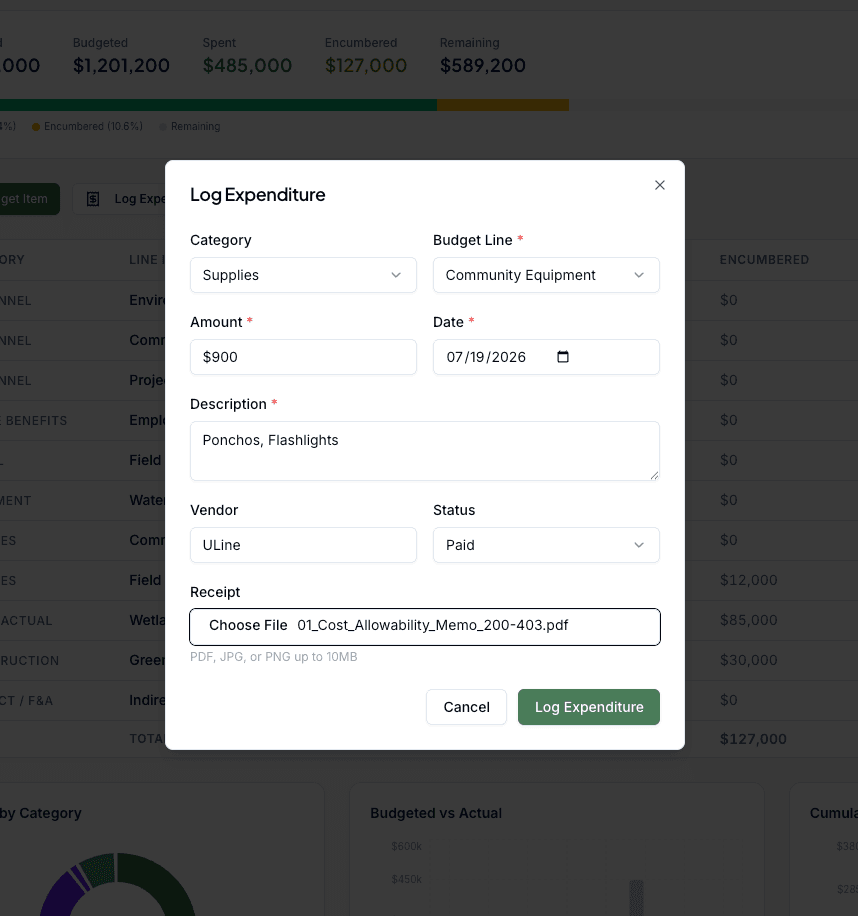
Set the status
New expenses default to Pending. Change to Approved once your process has cleared it. Approved expenses count toward burn-rate calculations; Pending ones show in a separate ledger so you can see what's coming.
Save
Click Save. The budget category updates immediately, the burn-rate chart redraws, and the expense appears in the grant's activity log with a timestamp and the user who logged it.